

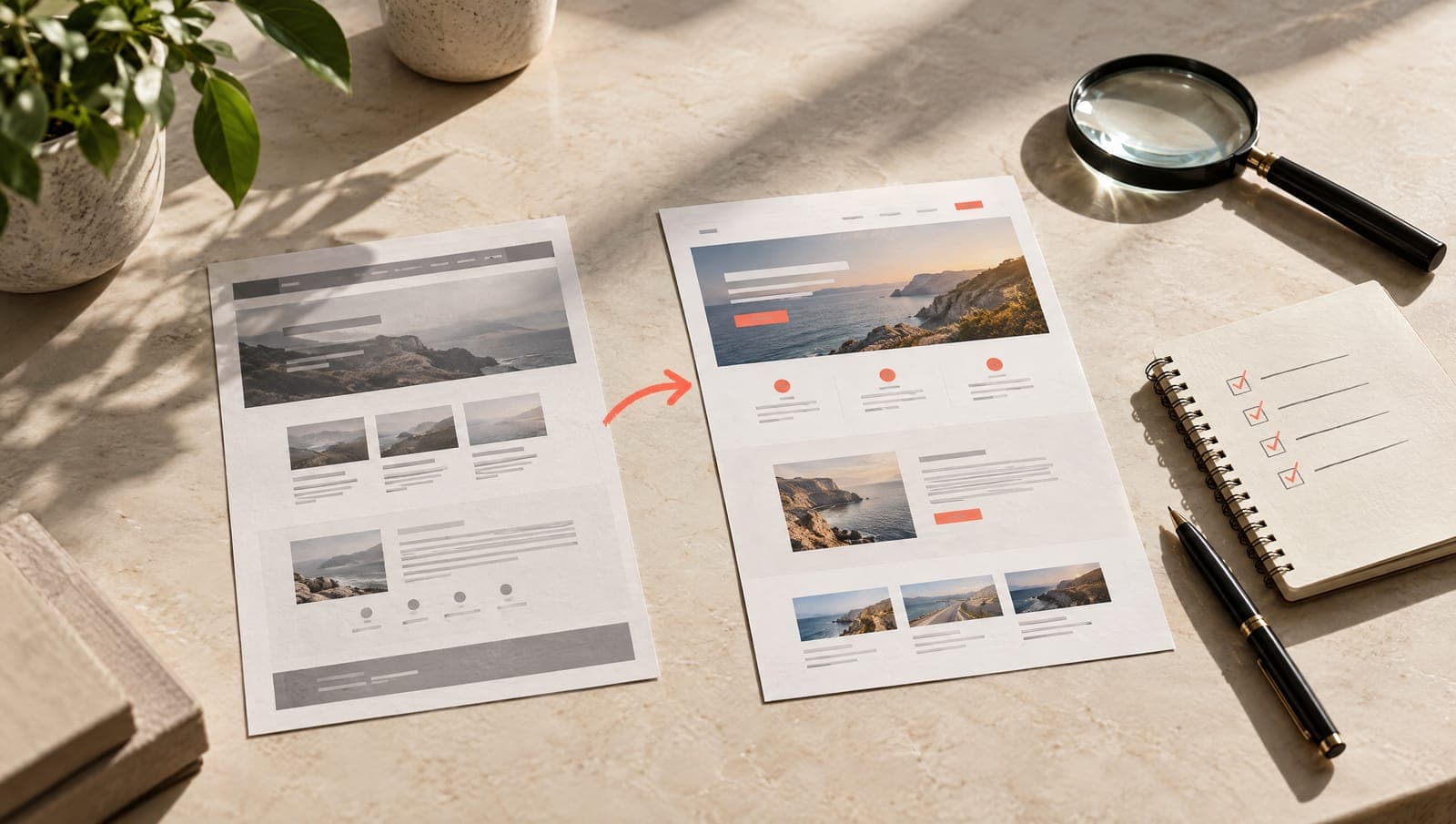
The old website knows things the new one doesn't
A website that has been up for years has a history: which pages Google sends people to, for which searches, which titles it has learned to associate with your business, which addresses other websites link to. None of that shows in the design. It shows in Search Console, in the stats and in the links pointing at you. When a site gets redesigned by looking only at the screen, all that history is thrown away by accident, and the result is the one we've seen too many times: a better-looking website that gets half the visits of the old one.
That's why, in a website redesign, the work starts before the design. Here's the list.
Before designing: the inventory
The first thing is a spreadsheet with every address on the current site and, for each one, four figures: clicks over the last twelve months, impressions, main searches and external links it receives. It comes from Search Console, from a full crawl of the site and from a link tool. With that, the pages split into three groups:
- The ones that bring business. There are usually few: the home page, three or four services, the odd page that without anyone noticing has become the reference for a search. These keep their address, their title and their heading structure, and get improved carefully.
- The ones that bring nothing but do no harm. They can be merged, rewritten or redirected to whichever page best replaces them.
- The ones that are surplus. Test pages, duplicates, empty categories, blog posts with no visits and no point. They are removed with a redirect if they ever had traffic, or with a controlled error if they never did.
The inventory takes a day and saves months. It's the part we find hardest to sell and the one we defend most.
What doesn't get touched without a reason
Three things on the old site are worth more than they look:
- The addresses that work. If
/menuhas been getting visits for years, the new site has/menu. Changing it to/our-menubecause it reads better costs traffic and adds nothing. - The titles and headings that rank. An ugly title that takes your page to the top result for a search is worth more than a handsome one that sends it to page two. It can be improved, but only knowing which words are in it and why.
- The content that answers well. A page with a thousand useful words doesn't get replaced by one paragraph and a big photo because “everything is more visual now”. You reorganise it, cut what's surplus and keep what answers the search.
Rule of thumb: every change to a page in the first group is decided with the data in front of you, not by taste.
Redirects: the list, not the catch-all
Every address that changes or disappears needs a permanent redirect to its closest replacement. One by one. The usual shortcut, pointing everything old at the home page, tells Google those pages no longer exist and that the home page doesn't replace them: whatever they had is lost.
The list is prepared during the inventory, tested on the staging site before launch and checked again on the day with a crawl of the old addresses. And the redirects that already existed on the old site are kept too: sometimes there's a chain from three previous redesigns still bringing visits from links made years ago.
What is worth changing
A redesign is the best opportunity to fix what the old site did badly and nobody dared touch:
- The structure. One page per service, each with a search assigned to it, and no pages competing with each other for the same one. This is the moment to decide what each page does and to merge the ones that overlap. How that search gets chosen is something we cover in SEO.
- Speed. Heavy templates, page builders that load half a megabyte of code for one button, uncompressed images. The new site starts clean and has to be kept that way.
- Structured data. Local business, service, frequently asked questions, breadcrumbs. The old site probably didn't have any; the new one shouldn't go live without them.
- Thin content. Text written as filler, stock photos, pages “under construction”. Out.
- Measurement. Forms, calls and WhatsApp clicks logged as conversions from day one. Without that you won't know whether the redesign worked.
Launch day
The new site goes live with its sitemap file updated, the robots file checked (it's surprising how many sites launch with indexing blocked because nobody removed the staging tag), the redirect list active and Search Console verified on the same property. Indexing for the main pages is requested by hand and a full crawl of the old addresses is run to check that every one answers with a correct redirect.
And a complete copy of the old site is kept. If in a month's time someone needs to check what a page said, it has to be there.
The four weeks after: what to watch and what is noise
During the first month Search Console gets checked often: new errors, excluded pages, and the curve of impressions and clicks. A short dip while Google crawls and reindexes, followed by a recovery, is normal. What isn't normal is a sustained fall on a specific page from the first group: there you look at what changed and fix it.
A warning that saves a few frights: a website's daily figures move about a fair amount on their own. A slow Monday isn't a regression. You compare whole weeks against the same weeks a year earlier, and you judge a page when it has been down for several weeks, not for a day.
When not to redesign
Sometimes the right answer is not to. If the current site ranks well, loads fast and what's failing is the content or the photos, you change the content and the photos and leave the structure alone. A top-to-bottom redesign to “modernise” with no specific problem behind it is risk without benefit. We say so even if it means losing the project: a client who doesn't lose traffic comes back; one who loses it to an unnecessary redesign doesn't.
And if the real problem is that the business doesn't appear when people search for it nearby, the answer is often in the Google Business Profile before it's in the website. That's what the article on local SEO is about.